Pick media
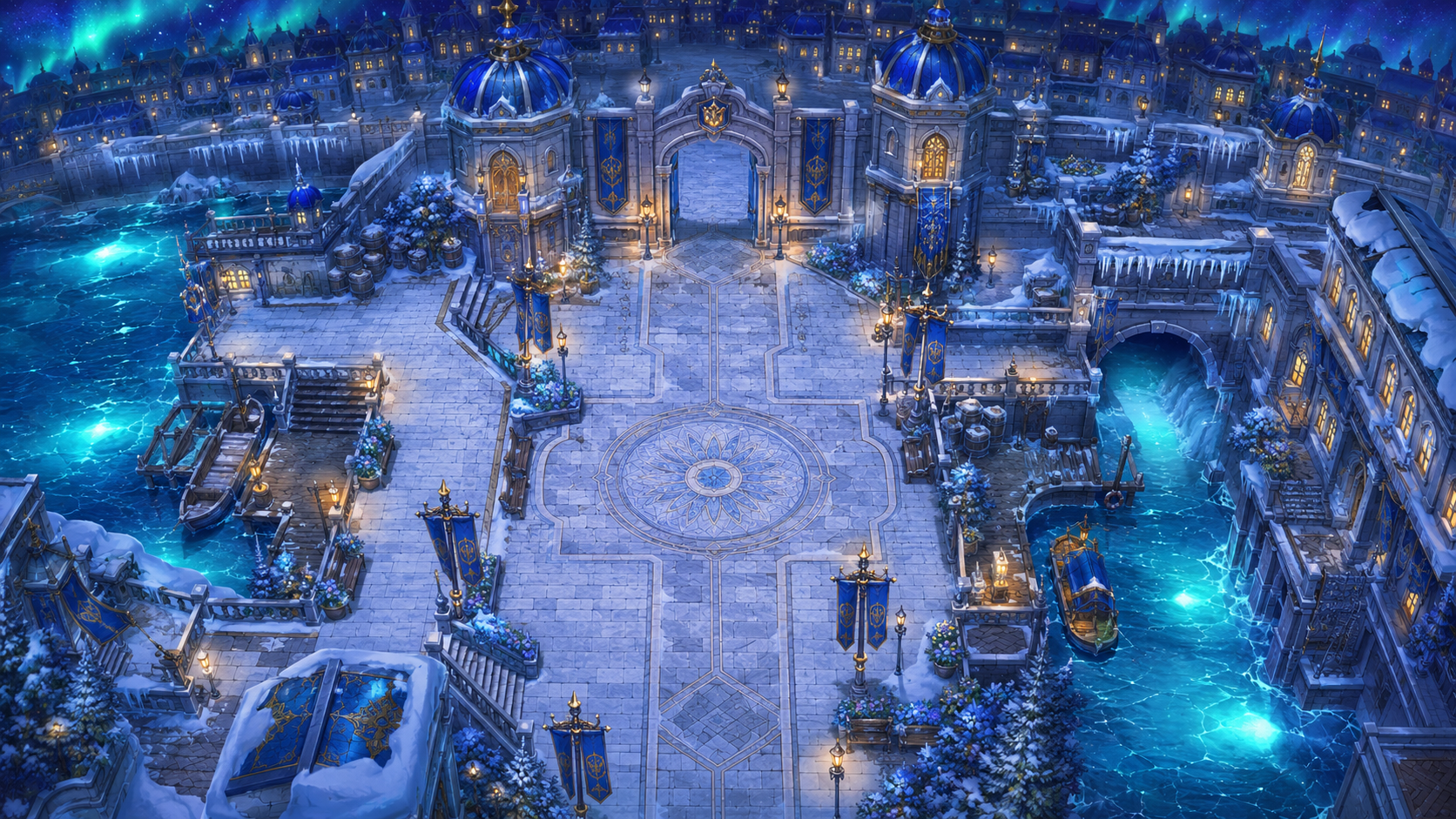
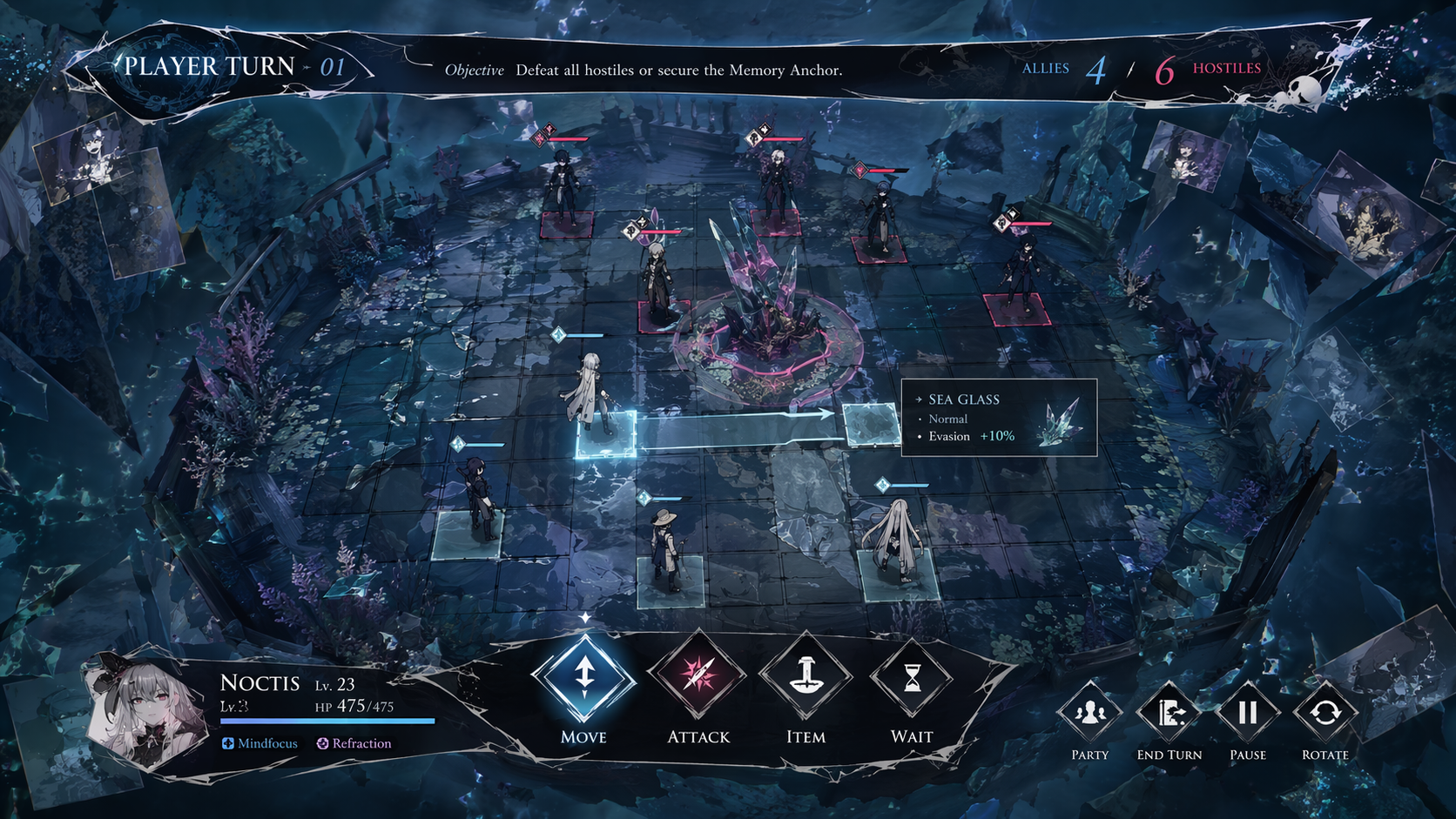
Start with a screenshot, gameplay clip, demo recording, or UI capture.
Pick media, write what changed, make a clip, then export a vertical MP4. The default path stays focused on shipping the proof, with deeper editing behind Customize.
Default workflow
Start with a screenshot, gameplay clip, demo recording, or UI capture.
Write the kind of rough build note you already have in your head.
Buildlog Forge picks the recipe, captions, and presentation defaults.
The current version renders through the same local Remotion export path.
Real builder media
The useful test is simple: can a messy build update become a shareable clip without opening a full editor? Buildlog Forge keeps the first version automatic, then lets you try another angle in one tap.
One-click variants
Variants reuse the same media and notes, then swap the recipe, captions, and presentation defaults. Export always renders the currently selected version.
Advanced Studio
Quick Clip is the default. Advanced Studio remains the place for full Source to Draft generation, caption editing, render readiness details, saved history, project settings, and deeper export controls.